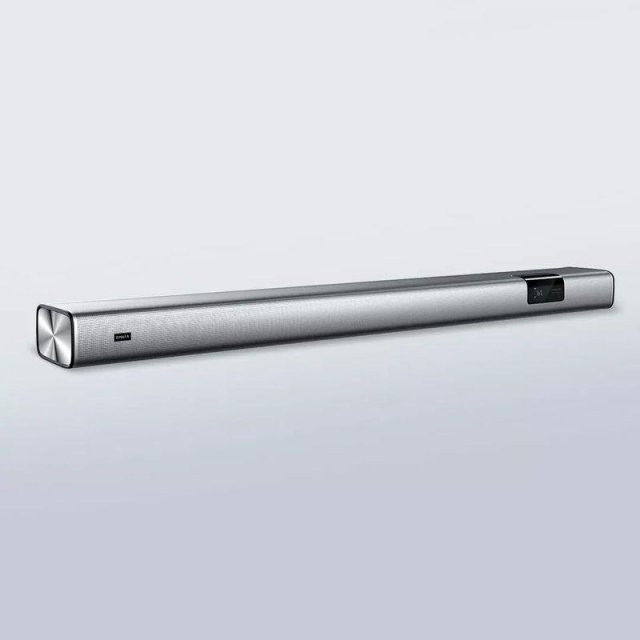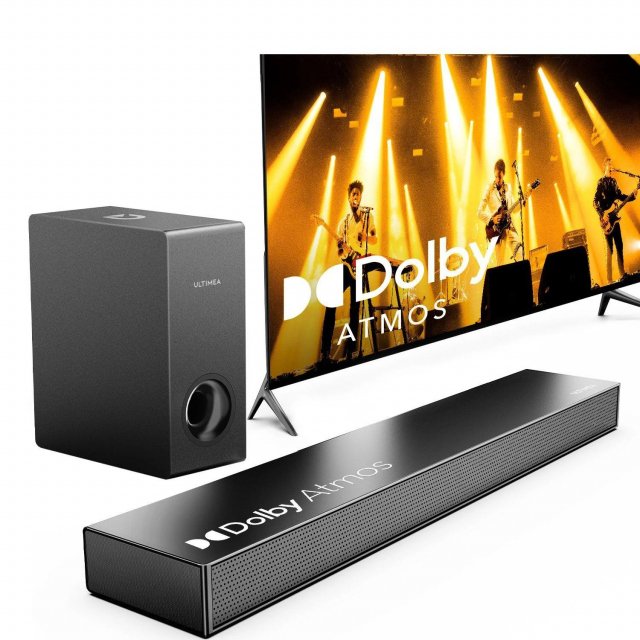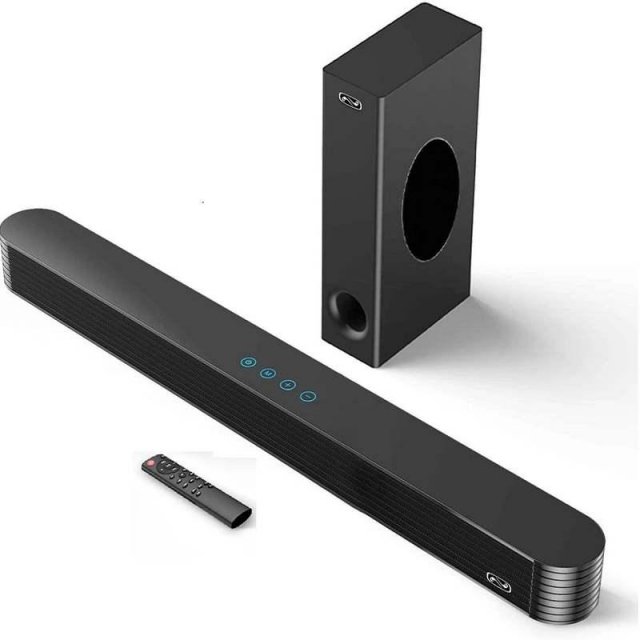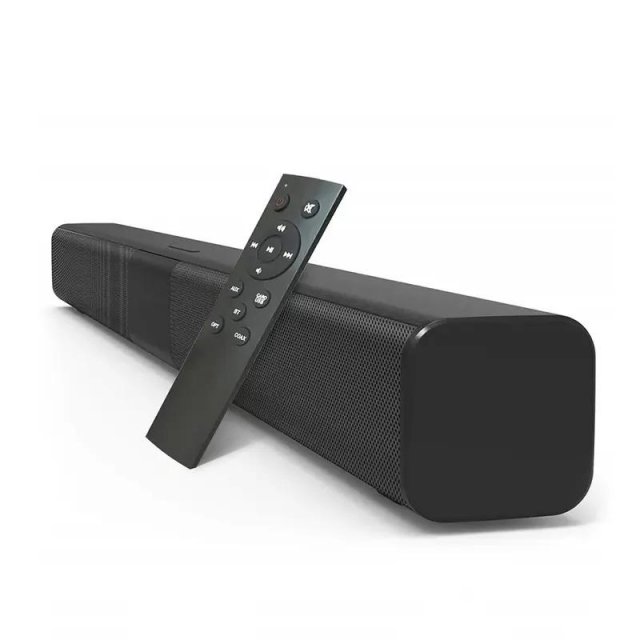



Transform Your Living Room into a Home Theater
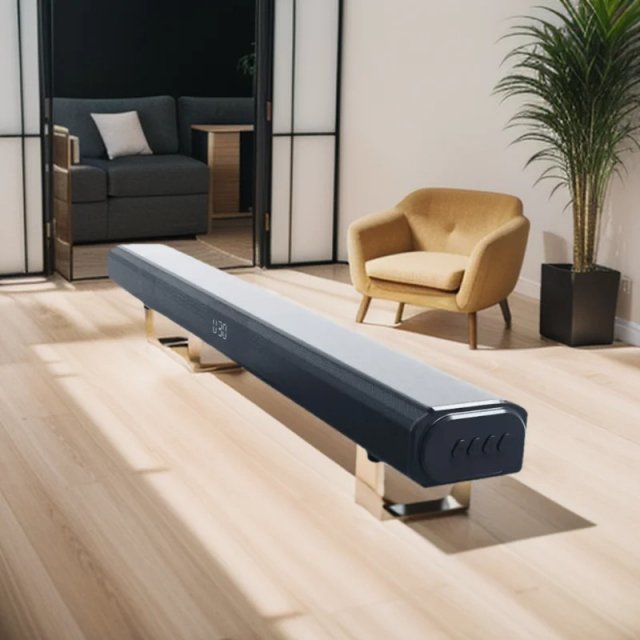
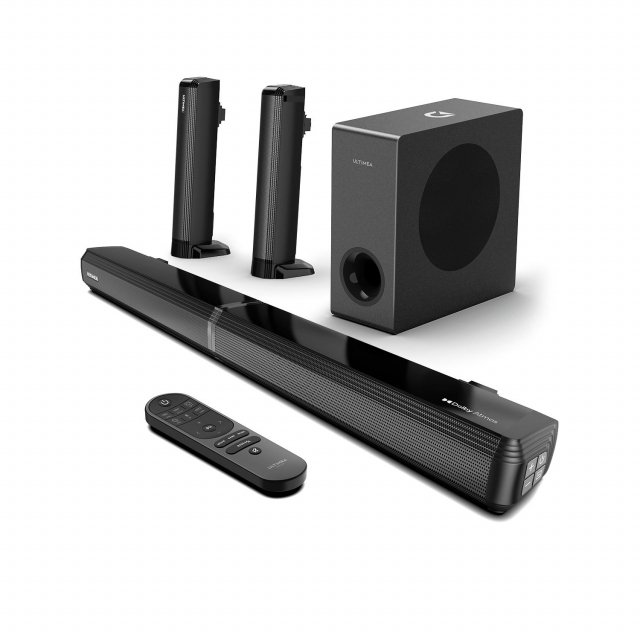
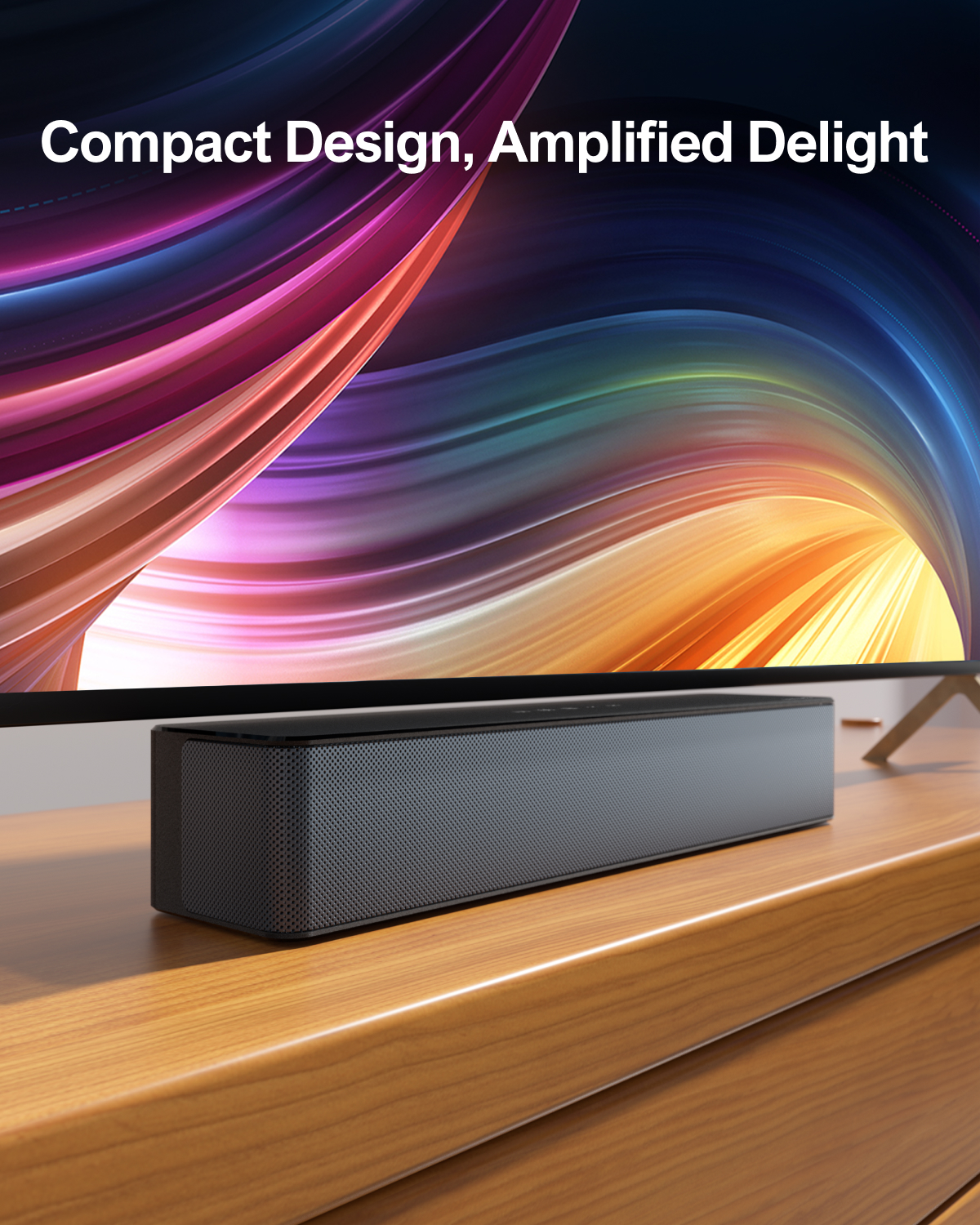
Experience an exceptional cinematic journey with the 320W 5.1 Channel Soundbar, complete with a wireless subwoofer and two surround speakers. Designed for those who demand superior sound quality, this immersive sound system fills your space with crystal-clear audio and deep bass, creating an unforgettable movie or music experience. Its sleek design complements any living room or bedroom, seamlessly blending into your décor while delivering performance that stands out.
Unmatched Features for Ultimate Sound
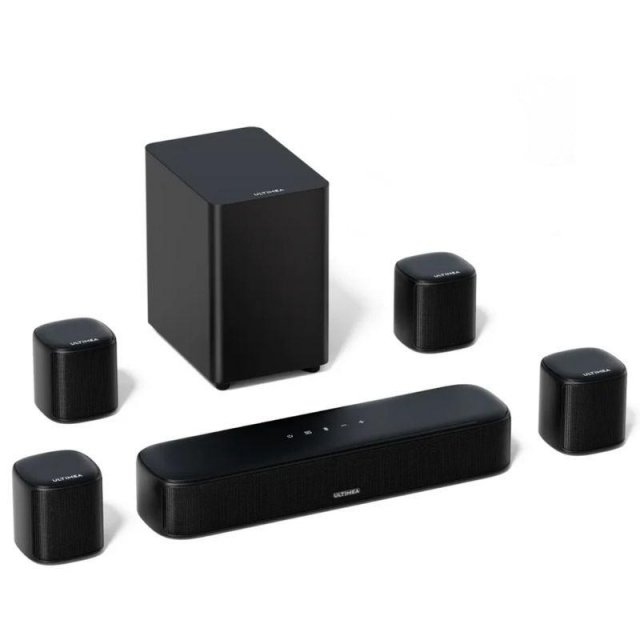
- 5.1 Channel Surround Sound: Enjoy a true cinematic experience with two rear speakers and a powerful wireless subwoofer that bring sound to life from every corner of your room.
- SurroundX Technology: Advanced sound algorithms transform standard audio into a captivating 5.1 surround signal, making every sound detail move around you.
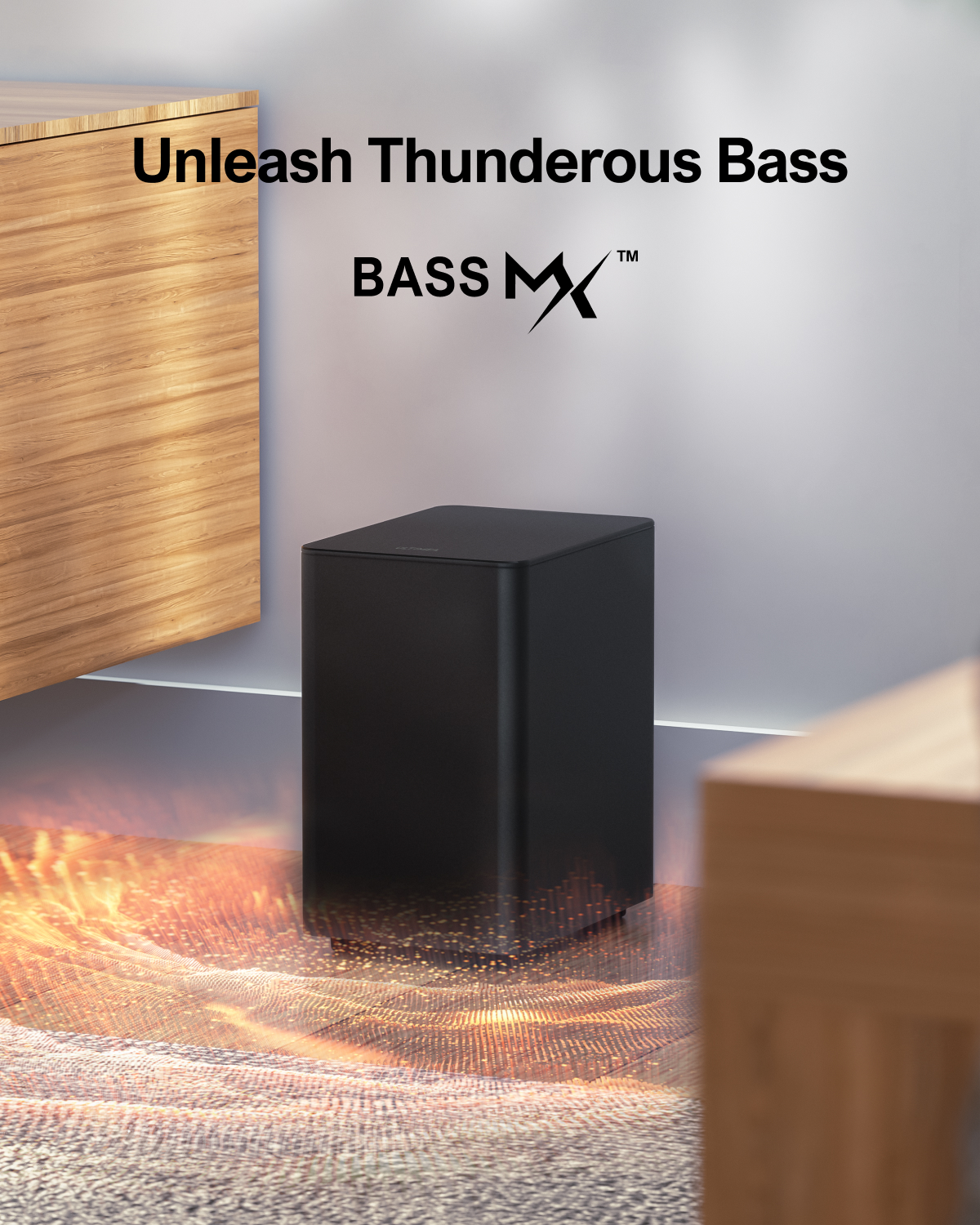
- Deep Bass with BassMX Technology: Feel the thunder of deep, room-filling bass with enhanced magnetic circuit design and a larger cabinet.
- Customizable Audio Settings: Adjust bass and surround levels with the remote to create a personalized listening experience tailored to your preferences.
- Versatile Sound Modes: Choose from movie, dialogue, and music modes for an optimized sound experience in any scenario.
- Easy Connectivity: Supports Bluetooth, HDMI, AUX, USB, and Optical inputs for effortless connection to TVs, gaming consoles, projectors, and more.
- Simple Setup: User-friendly instructions and versatile mounting options let you get started quickly and place the soundbar where it fits best.
Why Choose This Sound System?
Immerse yourself in an audio experience like never before. The SurroundX technology ensures sound envelops you from all directions, while the customizable audio settings let you tailor every note and beat to perfection. Perfect for movie nights, gaming marathons, or simply enjoying your favorite playlist, this soundbar transforms ordinary audio into extraordinary.
The wireless subwoofer eliminates clutter, and the 19.6 ft cable for the surround speakers ensures flexible placement options to fit your room layout. With deep bass and clear treble, this sound system offers an unmatched balance of power and precision, making every scene or song more vivid and lifelike.
Benefits You’ll Love
- Immersive Audio: Create a theater-quality experience in your own home.
- Flexible Placement: Customize speaker placement to suit your space.
- Seamless Connectivity: Effortlessly pair with your devices.
- User-Friendly Design: Easy to set up and control for hassle-free enjoyment.
- Enhanced Versatility: Perfect for movies, music, gaming, and more.
Elevate Your Sound Experience Today
Bring the thrill of surround sound to your home with this 5.1 Channel Soundbar. With features designed to immerse and a design made for convenience, it’s time to enjoy every beat, note, and dialogue with unparalleled clarity. Don’t just hear the sound—feel it. Click now to transform your audio experience!
SHIPPING
We are proud to offer international shipping services that currently operate in over 200 countries and islands world wide. Nothing means more to us than bringing our customers great value and service. We will continue to grow to meet the needs of all our customers, delivering a service beyond all expectation anywhere in the world.
Do you ship worldwide?
Yes. We provide free shipping to over 200 countries around the world. However, there are some locations we are unable to ship to. If you happen to be located in one of those countries we will contact you.
What about customs?
We are not responsible for any custom fees once the items have been shipped. By purchasing our products, you consent that one or more packages may be shipped to you and may get custom fees when they arrive to your country.
How long does shipping take?
Shipping time varies by location. These are our estimates:| Location | *Estimated Shipping Time |
|---|---|
| United States | 5-20 Business days |
| Canada, Europe | 5-20 Business days |
| Australia, New Zealand | 5-20 Business days |
| Central & South America | 5-25 Business days |
| Asia | 5-20 Business days |
| Africa | 5-25 Business days |
Do you provide tracking information?
Yes, you will receive an email once your order ships that contains your tracking information. If you haven’t received tracking info within 5 days, please contact us.
My tracking says “no information available at the moment”.
For some shipping companies, it takes 2-5 business days for the tracking information to update on the system. If your order was placed more than 5 business days ago and there is still no information on your tracking number, please contact us.
Will my items be sent in one package?
For logistical reasons, items in the same purchase will sometimes be sent in separate packages, even if you've specified combined shipping.
If you have any other questions, please contact us and we will do our best to help you out.
RETURNS
Order cancellation
All orders can be cancelled until they are shipped. If your order has been paid and you need to make a change or cancel an order, you must contact us within 12 hours. Once the packaging and shipping process has started, it can no longer be cancelled.
Refunds
Your satisfaction is our #1 priority. Therefore, you can request a refund or reshipment for ordered products if:
- If you did not receive the product within the guaranteed time (45 days not including 1-3 day processing) you can request a refund or a reshipment.
- If you received the wrong item you can request a refund or a reshipment.
- If you do not want the product you’ve received you may request a refund but you must return the item at your expense and the item must be unused.
We do not issue the refund if:
- Your order did not arrive due to factors within your control (i.e. providing the wrong shipping address)
- Your order did not arrive due to exceptional circumstances outside the control of empirale.com (i.e. not cleared by customs, delayed by a natural disaster).
- Other exceptional circumstances outside the control of empirale.com.
*You can submit refund requests within 15 days after the guaranteed period for delivery (45 days) has expired. You can do it by sending a message on Contact Us page
If you are approved for a refund, then your refund will be processed, and a credit will automatically be applied to your credit card or original method of payment, within 14 days.
Exchanges
If for any reason you would like to exchange your product, perhaps for a different size in clothing, you must contact us first and we will guide you through the steps.
Please do not send your purchase back to us unless we authorise you to do so.
Order cancellation
All orders can be cancelled until they are shipped. If your order has been paid and you need to make a change or cancel an order, you must contact us within 12 hours. Once the packaging and shipping process has started, it can no longer be cancelled.
Refunds
Your satisfaction is our #1 priority. Therefore, you can request a refund or reshipment for ordered products if:
- If you did not receive the product within the guaranteed time( 45 days not including 2-5 day processing) you can request a refund or a reshipment.
- If you received the wrong item you can request a refund or a reshipment.
- If you do not want the product you’ve received you may request a refund but you must return the item at your expense and the item must be unused.
We do not issue the refund if:
- Your order did not arrive due to factors within your control (i.e. providing the wrong shipping address)
- Your order did not arrive due to exceptional circumstances outside the control of empirale.com (i.e. not cleared by customs, delayed by a natural disaster).
- Other exceptional circumstances outside the control of https://empirale.com
*You can submit refund requests within 15 days after the guaranteed period for delivery (45 days) has expired. You can do it by sending a message on Contact Us page
If you are approved for a refund, then your refund will be processed, and a credit will automatically be applied to your credit card or original method of payment, within 14 days.
Exchanges
If for any reason you would like to exchange your product, perhaps for a different size in clothing. You must contact us first and we will guide you through the steps.
Please do not send your purchase back to us unless we authorise you to do so.
Customer Reviews
There are no reviews yet
Write a Review
We Think You’ll Love
Top picks just for you