AI Meta Description Checklist for Clear Clickable Snippets
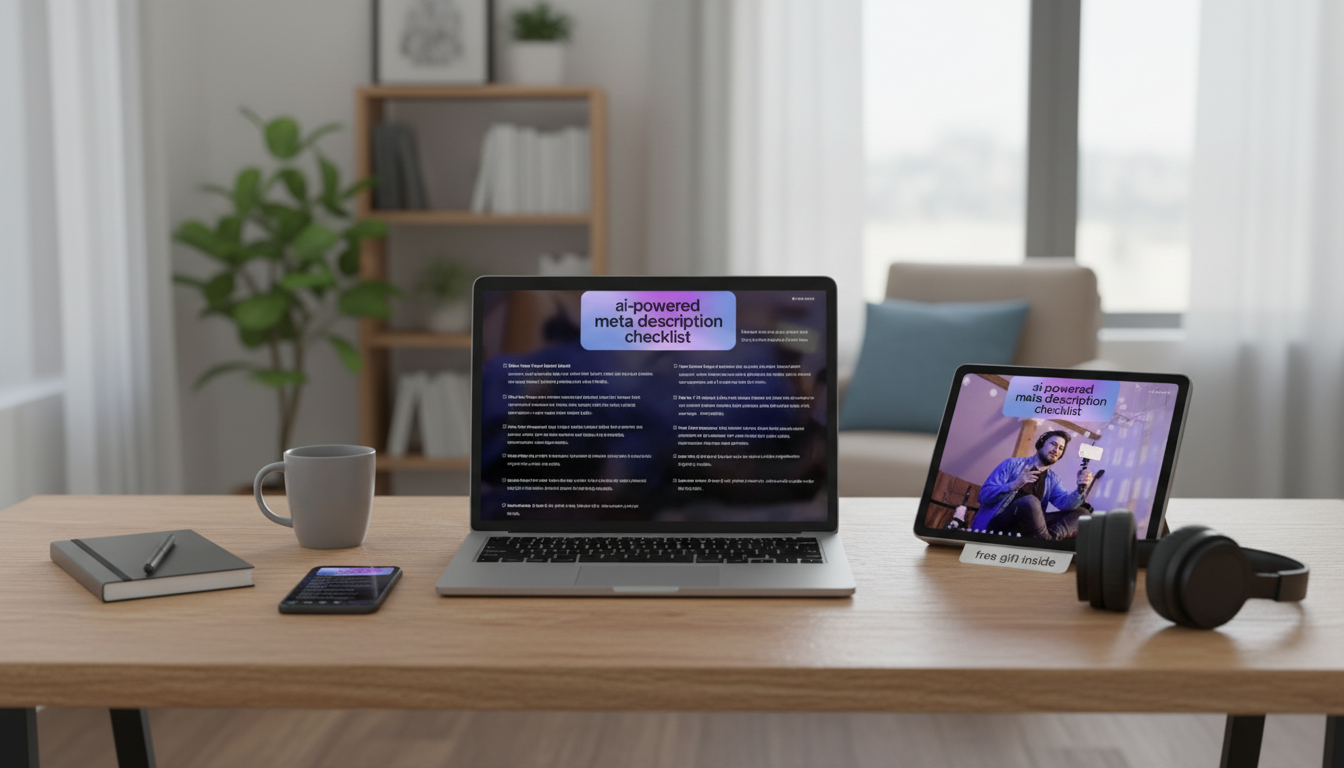
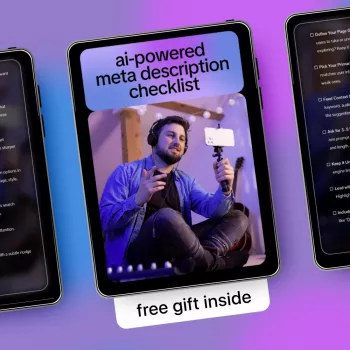
AI Checklist for Clear, Clickable Page Preview Text
Short, well-structured page preview text can be the difference between being overlooked and being chosen. A simple, repeatable checklist makes it easier to draft blurbs that match the page, highlight the real value, and stay readable on fast-scrolling screens—especially when an AI assistant helps generate early options and you need a reliable way to pick the best one.
Whether the preview shows up in search snippets, link cards, category grids, or internal modules, the same principle holds: one clear promise, written plainly, with no surprises when someone clicks.
What This Digital Checklist Helps Improve
- Consistency: a repeatable set of checks to avoid vague, duplicated, or mismatched preview text
- Clarity: ensures the main benefit and topic are understandable at a glance
- Accuracy: reduces the chance of promising something the page doesn’t deliver
- Scannability: uses simple phrasing and a logical flow so readers grasp the point quickly
- Speed: fewer blank-page moments and fewer revision loops when drafting with AI support
Search engines may rewrite snippets depending on context, but clear, aligned writing still increases the odds that what gets shown matches what you intended. For helpful background on how titles and snippets can appear, see Google Search Central — Control your title links and snippets in search results and Google Search Central — Learn about meta descriptions.
Who It’s For (and When It’s Most Useful)
- Store owners creating preview text for product, category, and collection pages
- Bloggers and creators publishing frequently and needing a faster finishing step
- Agencies and freelancers standardizing quality across multiple clients
- Teams with multiple writers who need a shared quality bar
- Anyone updating older pages that no longer match what’s actually on the page
It’s especially useful when multiple people touch the same site. Instead of feedback like “make it punchier,” a checklist turns the review into specific passes: match, clarity, brevity, uniqueness, and tone.
How to Use the Checklist in 10 Minutes
- Step 1: Capture the page’s single purpose (one sentence) and the top takeaway a reader should expect
- Step 2: Draft two versions: a benefit-led option and a topic-led option
- Step 3: Run through the checklist once for meaning, then once for readability
- Step 4: Compare against the on-page headline and the first visible section to confirm alignment
- Step 5: Save the best version with a date so updates are easy later
Quick workflow (example)
| Stage | Goal | Output |
|---|---|---|
| Extract | Identify the page’s core promise | 1-sentence summary |
| Draft | Create two candidate blurbs | Option A / Option B |
| Refine | Remove fluff and tighten wording | Shortened final |
| Verify | Confirm it matches the page | Pass/fail notes |
| Store | Make future edits painless | Saved version + date |
Quality Checks That Prevent Common Mistakes
- Specificity check: replace generic words (“best,” “amazing”) with a concrete result, feature, or outcome
- Mismatch check: confirm the preview text doesn’t introduce offers, claims, or topics not present on the page
- Duplication check: avoid near-identical blurbs across multiple pages by changing the primary angle
- Read-aloud check: if it sounds awkward, it will often read awkwardly
- Overstuffing check: remove extra clauses and stacked adjectives that make the line harder to parse
- Tone check: ensure it fits the brand style (professional, playful, minimalist, etc.)
- Call-to-action check: add a gentle next step only if it feels natural (avoid pushy phrasing)
A practical rule: if the blurb tries to do three jobs at once (explain, persuade, and summarize every section), it usually does none of them well. Pick one main idea and support it with one crisp detail.
Example Transformations (Before → After)
- Generic → specific: “Learn more about our services.” → “See what’s included, typical timelines, and how to get started in minutes.”
- Feature list → reader outcome: “Templates, guides, and resources.” → “Use ready-to-go resources to publish faster with fewer edits.”
- Too broad → focused: “Everything you need for your business.” → “A step-by-step system for choosing, drafting, and polishing your page preview text.”
- The checklist can be used with an AI assistant by generating 3–5 options, then selecting and refining using the checks instead of accepting the first draft.
Common issues and a better alternative
| Issue | What it sounds like | Improved direction |
|---|---|---|
| Vague value | “High-quality solutions for everyone.” | Name a clear benefit and who it helps most |
| Too long | Multiple ideas stacked together | Keep one main idea + one supporting detail |
| Unverifiable claims | “Guaranteed results instantly” | Use accurate, page-supported wording |
| Same copy everywhere | Repeated phrasing across pages | Rotate angles: benefit, audience, use-case, outcome |
What’s Included and How It Fits Into Your Workflow
Where it fits
| Moment | Use it for | Result |
|---|---|---|
| New page launch | Fast first draft + cleanup | Publish-ready preview text |
| Content refresh | Update wording to match new sections | Fewer mismatches |
| Team review | Shared standard for approvals | Less subjective back-and-forth |
Pricing and Access
- AI-Powered Meta Description Checklist (digital checklist) — $2.99
- No-Nausea Ride: The Ultimate Digital Guide to Beating Motion Sickness on the Road — $4.99
FAQ
How long should a page preview blurb be?
A practical target is about 120–160 characters for many search and share contexts, but the best length depends on device and layout. Aim for instant clarity rather than cramming in extra details.
Can the checklist be used for product pages and blog posts?
Yes—use benefit-led wording for product pages and takeaway-led wording for blog posts. Saving a few reusable patterns helps keep quality consistent while still varying the angle.
Does it still help if an AI tool writes the first draft?
Yes; it works best as a filter. Generate several options, then apply the checks to select the strongest version and tighten it until it matches the page and reads smoothly.













Leave a comment