Charge Smart Anywhere: Safe Public Charging & Etiquette
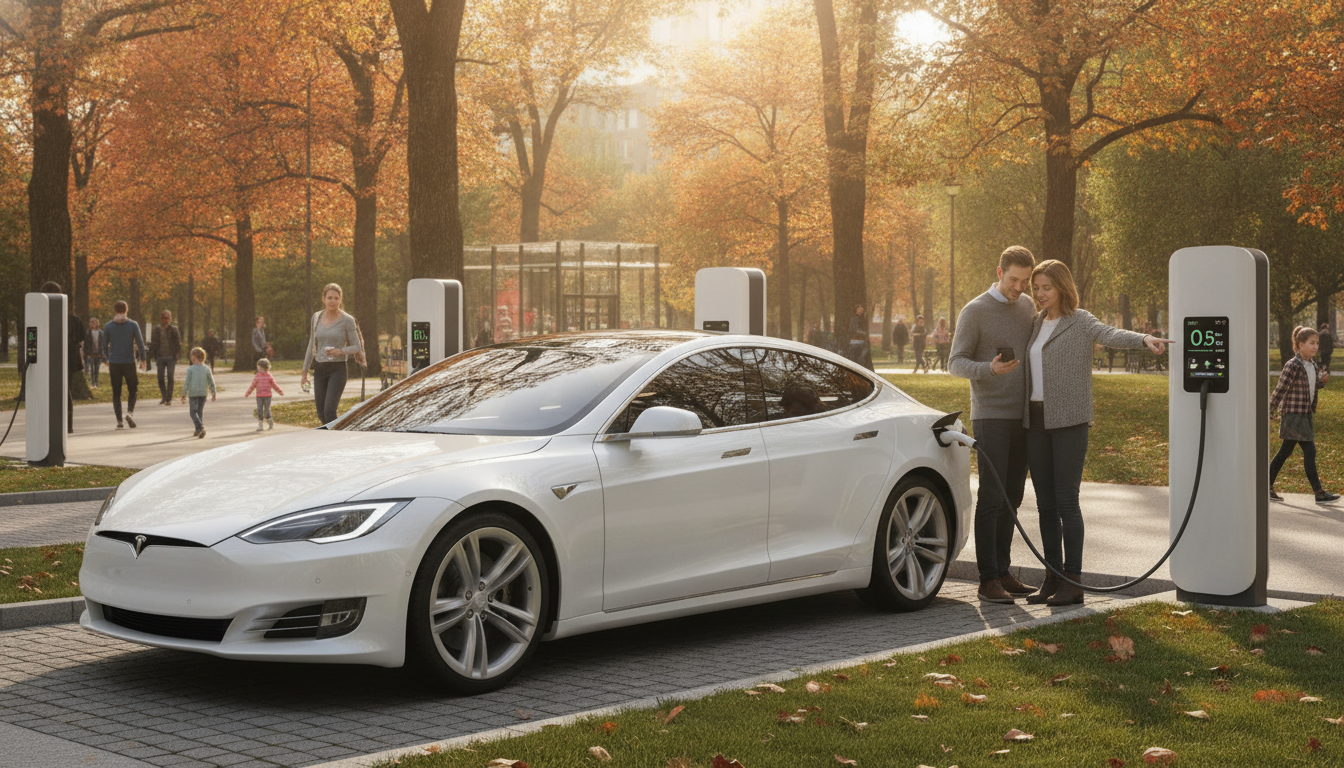
Charge Smart Anywhere: Safe, Fast, and Courteous Charging on the Go
Public outlets, shared power strips, and travel charging stations are convenient—but they also add risk: damaged cables, overloaded adapters, data exposure, and awkward “outlet etiquette” moments. A simple routine can help prevent overheating, protect your device data, and keep shared spaces calm and respectful. Below is a practical, real-world system to scan for hazards, charge efficiently, and handle shared outlets without drama—plus ready-to-use message templates for quick help.
Start With Safety: A 60-Second Scan Before Plugging In
Before you connect anything, do a fast visual and touch-based check. Most charging mishaps start with obvious warning signs that are easy to miss when you’re rushed.
- Check the outlet and surrounding area: heat, scorch marks, loose faceplates, or a wobbly plug are deal-breakers.
- Avoid daisy-chained power strips and overloaded extension cords; choose a single, reputable charger plugged directly into the wall when possible.
- Inspect cable ends: bent pins, frayed insulation, or loose connectors can cause arcing, heat, or intermittent charging.
- Keep liquids away and ensure airflow around chargers and power banks; heat is the enemy of both safety and battery health.
- Prefer chargers with recognized safety marks (e.g., UL or equivalent) and avoid no-name “fast chargers” with poor build quality.
Quick Decision Table: Is This Charging Setup Safe Enough?
| Situation | Risk Level | What to Do Instead |
|---|---|---|
| Outlet is loose or plug falls out easily | High | Use another outlet; report the issue to staff/host |
| Power strip already packed with bulky adapters | Medium–High | Use a compact charger; ask to share space; find another outlet |
| Cable jacket is cracked near the connector | High | Replace the cable; do not “bend it back” and keep using |
| Charger is hot to the touch while idle | Medium–High | Unplug and swap chargers; allow to cool; avoid covering it |
| USB port on public kiosk with unknown history | Medium | Use a wall outlet + own charger, or a data-blocking adapter |
Protect Devices and Data in Public Charging Spots
Charging in public isn’t only about electricity—it can also be a data and privacy issue. The safest habit is to treat unknown USB ports like unknown computers.
- Use a wall outlet with a personal USB charger rather than a public USB port when available.
- Consider a USB data blocker (charge-only adapter) when the only option is a public USB-A port.
- Keep device OS updated and set a strong lock screen; disable automatic pairing/pop-ups for unknown accessories when traveling.
- Avoid leaving devices unattended; if stepping away is unavoidable, use a low-profile cable and keep the device out of easy reach.
- Be cautious with “free charging lockers” or shared stations that require installing an app; verify the provider and permissions before granting access.
For practical guidance on avoiding “juice jacking,” the FCC’s consumer alert is a solid reference: FCC Consumer Alert: Juice Jacking.
Charge Faster Without Cooking the Battery
Fast charging is helpful, but heat is the trade-off that shortens long-term battery health. A few small changes can improve speed while reducing strain.
- Match charger power to device capability: a higher-watt charger only helps if the device supports it (USB Power Delivery, proprietary fast charge, etc.).
- Reduce heat while charging: remove thick cases, keep devices out of sunlight, and avoid charging under pillows or in tightly packed bags.
- For long sessions (desk, hotel, overnight), aim for gentle charging: enable optimized charging features and avoid staying pinned at 100% for hours.
- Use the right cable for the job: high-watt USB-C charging often requires an e-marked USB-C cable rated for the needed current.
- When multitasking, lower screen brightness and close heavy apps to reduce load; “charging while gaming” can create persistent heat.
Safety organizations consistently emphasize using quality chargers and paying attention to heat and damage signals; UL’s general charging safety guidance is a helpful starting point: UL Solutions.
Shared-Space Charging Etiquette That Prevents Conflicts
Good “outlet manners” keep shared spaces running smoothly—especially in airports, coworking areas, conferences, and cafés where power is scarce.
The Safety-First Checklist for Travel, Cafés, Airports, and Hotels
For broader device security best practices while traveling (updates, access control, and minimizing unnecessary connections), NIST provides foundational guidance: NIST Cybersecurity.
Ready-to-Use Message Templates for Charging Stations and Shared Outlets
Digital Guide: Charge Smart Anywhere (What’s Included)
For a pocket-sized reference you can keep on your phone, Charge Smart Anywhere digital guide bundles the essentials into a quick-scan format:
Frequent traveler? Pair it with No-Nausea Ride digital guide to make long rides and tight connections easier—especially when you’re already juggling battery levels and gate changes.
FAQ
Is it safe to use public USB charging ports?
Prefer wall outlets with your own charger whenever possible. If a public USB port is the only option, use a charge-only (data-blocking) adapter and keep your device locked and updated.
Why does a phone charge slowly even with a fast charger?
Common causes include an under-rated cable, heat throttling, dirty or loose ports, background power drain, and the device reducing speed at high battery percentages.
What are the warning signs to stop charging immediately?
Swelling, excessive heat, burning smell, crackling, sparking, melting plastic, or repeated disconnects with a hot connector are signals to unplug right away, move to a safe area, and replace the suspect gear.














Leave a comment